
Playing with T3SDK
T3SDK fixes the PC version's display problems and loads mods. It changes the game only in memory, while it runs.
Install and remove
On the launcher's Play page, click Install in the T3SDK box, then Play. On a Steam install the game starts through Steam, as Steam's own Play button does.
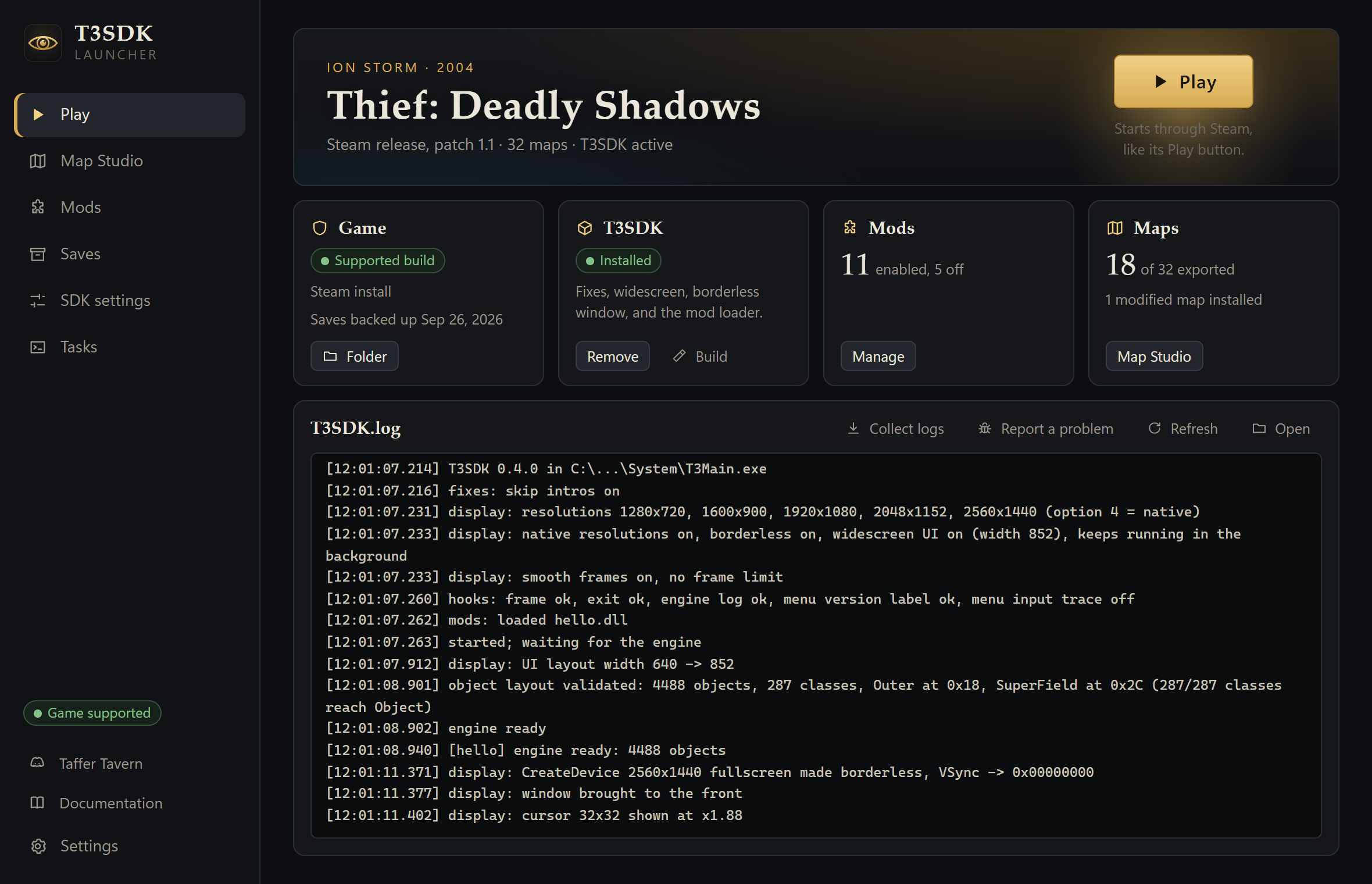
Install copies T3SDK's files into the game's System folder:
dinput8.dll, the SDK itself. The game loads it at start-up, and it passes DirectInput on to Windows' owndinput8.dll.T3SDK.ini, the settings (below).mods\, the mod folder, with the SDK's example mod. The example only writes a line to the log now and then.
It writes down which files it copied. Remove deletes exactly those and leaves the game as it was. Install refuses to overwrite a file that it did not put there itself, such as another mod's dinput8.dll, and then copies nothing.
What you get
With the default settings:
- no logo movies at start-up;
- your monitor's own resolutions in Options > Audio/Video; the top entry is its native resolution;
- a borderless window instead of exclusive fullscreen, so alt-tab, other monitors and screenshots work;
- menus laid out for widescreen: they stay centred, and the HUD moves out to the screen edges;
[Modded - T3SDK <version>]after the version on the main menu;- the mod loader;
- a crash report in
T3SDK.logwhen something faults (see Troubleshooting).
In the borderless window the game keeps running when you switch to another program. Pause first.
Settings
Change the settings on the launcher's SDK settings page, or edit System\T3SDK.ini in a text editor. They take effect the next time the game starts. The fixes:
| Section | Key | Default | What it does |
|---|---|---|---|
Fixes | SkipIntros | 1 | Skips the logo movies at start-up. |
Display | NativeResolutions | 1 | Offers the monitor's own resolutions in Options. The game itself only knows 640x480 to 1600x1200. |
Borderless | 1 | A borderless window that covers the monitor, instead of exclusive fullscreen. | |
WidescreenUI | 1 | Lays out menus and the HUD for the screen's aspect ratio instead of stretching 4:3. |
1 turns a fix on, 0 turns it off. The T3SDK section has settings for the log and for mod authors (a live log console, the object dump key, the menu label); the settings page describes each one, and SDK settings and tools lists them all.
Other mods
T3SDK is System\dinput8.dll. It does not replace d3d8.dll, so it works next to Sneaky Upgrade and the Direct3D wrappers people use with it. Another mod that also needs its own System\dinput8.dll cannot be installed at the same time.
Without the launcher
Each release also has T3SDK_<version>_x86.zip, the SDK alone. Copy its contents into the game's System folder. To remove it, delete the files you copied.
Contributors with a checkout can build and install the SDK with tools/sdk.py; see SDK settings and tools.